
Dell Inspiron 15 (3520) Review – A Smooth 120Hz Everyday Performer
The Dell Inspiron 15 (3520) is a well-balanced mid-range laptop designed for students, professionals, and everyday users who need reliable performance without breaking the bank. With a 12th Gen Intel Core i5-1235U processor, 16GB RAM, 512GB SSD, and a 15.6-inch Full HD 120Hz display, this laptop delivers smooth visuals and solid multitasking power for daily workloads.
In this detailed review, we’ll break down performance, display quality, design, battery life, and whether this laptop is the right choice for you in 2026.
Design & Build Quality
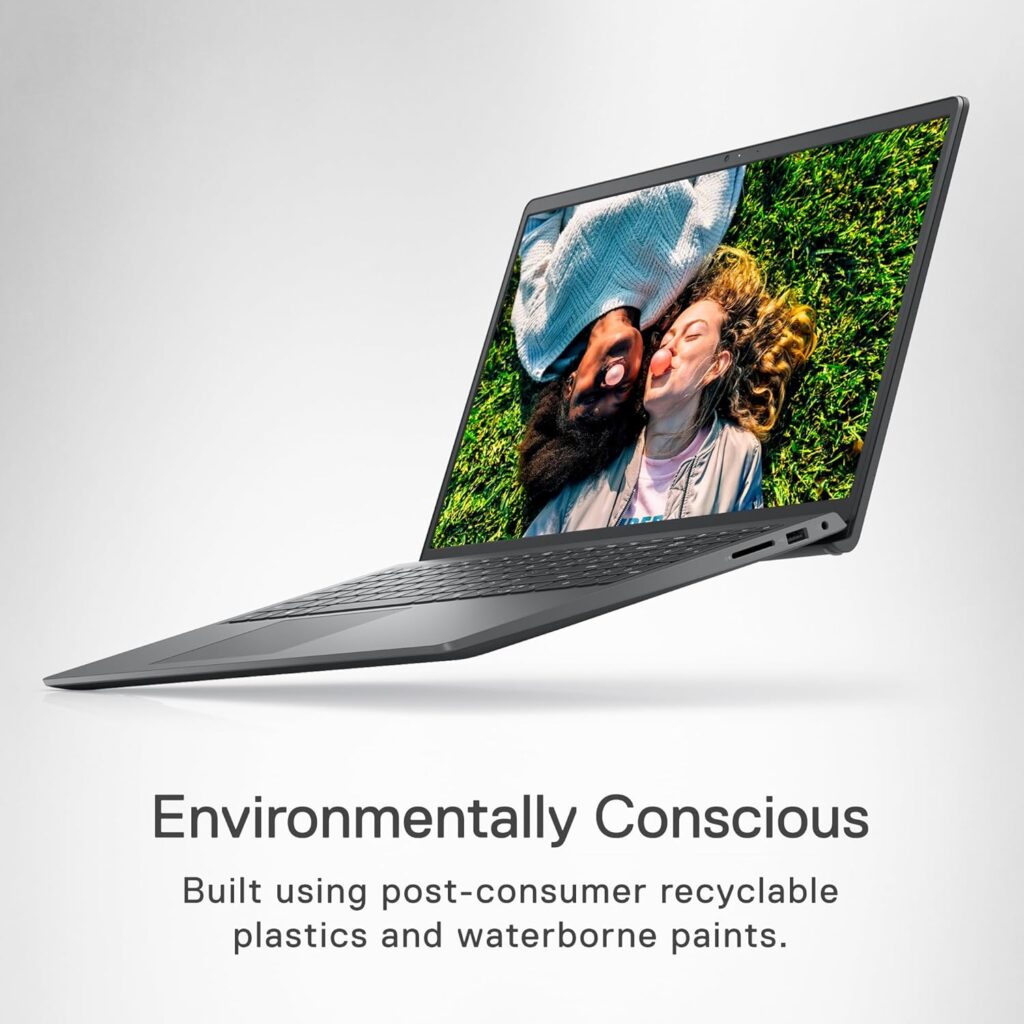
The Dell Inspiron 15 (3520) comes in a clean Carbon Black finish that looks professional and modern. The chassis is lightweight yet sturdy enough for daily commuting between home, office, or university. While it’s not an ultra-premium aluminum build, it feels durable and well-constructed for its price range.
The English UK keyboard layout provides comfortable typing with good key travel, making it suitable for long writing sessions, office tasks, and online work. The touchpad is responsive and supports multi-gesture functionality smoothly.
Display – 15.6” FHD 120Hz Smoothness
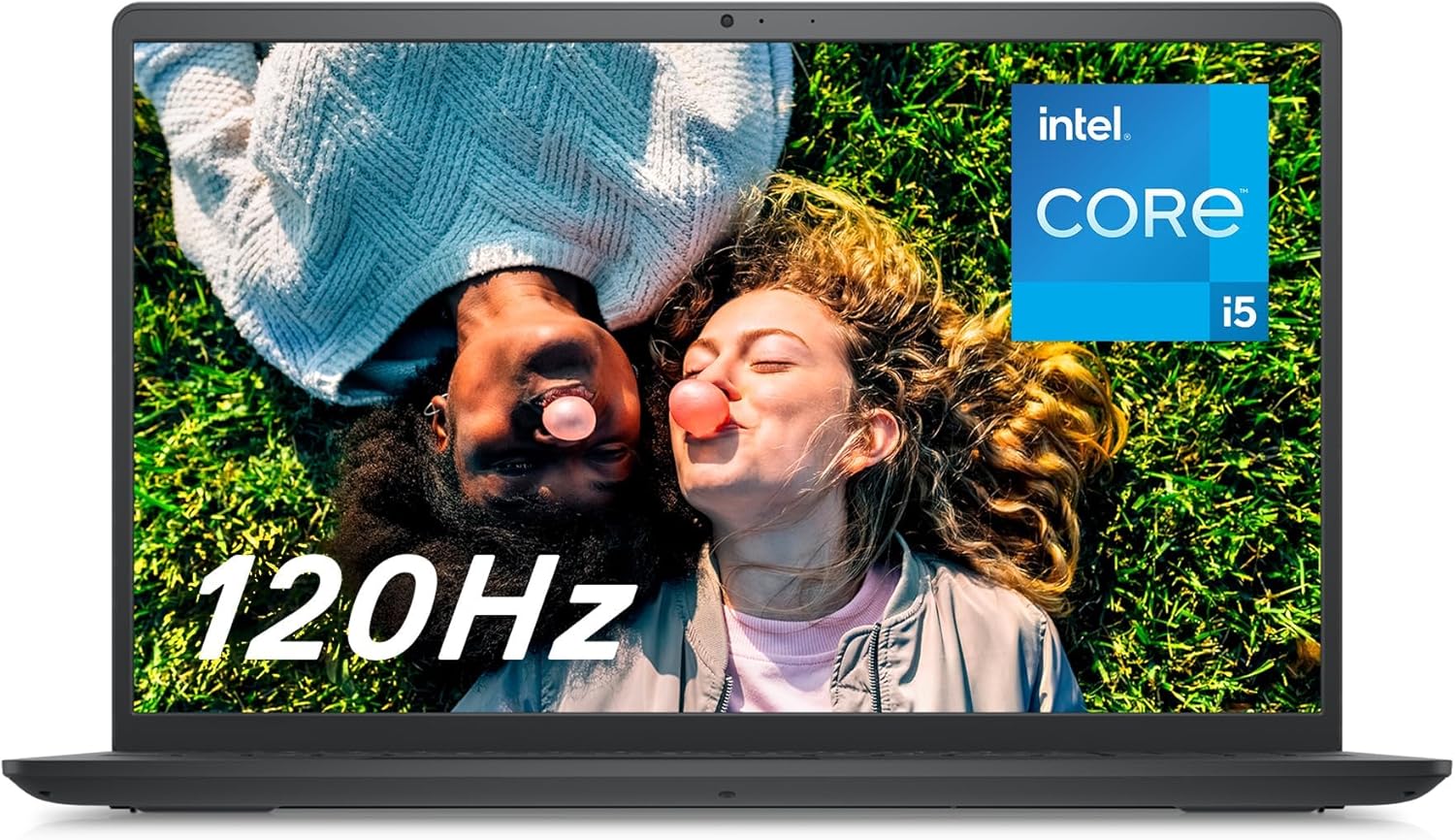
One of the standout features of this model is its 15.6-inch Full HD (1920×1080) display with a 120Hz refresh rate. Most laptops in this category come with standard 60Hz screens, so the 120Hz panel offers noticeably smoother scrolling, improved animations, and better overall user experience.
The display delivers good brightness levels and decent color accuracy for productivity, media streaming, and light creative tasks. Whether you’re watching Netflix, browsing the web, or editing documents, the screen feels responsive and fluid.
While it’s not a high-end color-accurate panel for professional video editors, it performs very well for general use and casual content creation.
Performance – Intel Core i5-1235U Power
At the heart of the Dell Inspiron 15 (3520) is the Intel Core i5-1235U processor, part of Intel’s 12th Generation lineup. This CPU features a hybrid architecture with performance and efficiency cores, offering excellent multitasking performance while maintaining power efficiency.
What does this mean in real-world use?
- Smooth performance for Microsoft Office tasks
- Fast web browsing with multiple tabs open
- Video conferencing without lag
- Light photo editing
- Casual gaming with integrated graphics
Combined with 16GB of RAM, this laptop handles multitasking effortlessly. You can run multiple applications simultaneously without noticeable slowdowns. For students and remote workers, this is a big advantage.
Storage – 512GB SSD Speed
The 512GB SSD ensures fast boot times and quick application loading. Windows 11 Home runs smoothly, and the system starts up in seconds. You’ll also have plenty of space for documents, software, media files, and moderate gaming installations.
SSD storage significantly improves overall responsiveness compared to traditional HDD-based laptops.
Graphics – Intel Iris Xe
The integrated Intel Iris Xe Graphics is designed for everyday visual tasks and light gaming. While it’s not built for AAA gaming, it can comfortably handle:
- eSports titles like Valorant and CS:GO
- Minecraft
- Light video editing
- Streaming HD content
For users who don’t require dedicated GPU power, Iris Xe delivers reliable performance for productivity and casual entertainment.
Battery Life
The Dell Inspiron 15 (3520) offers solid battery life suitable for a full work or study day under moderate usage. Expect approximately 6–8 hours depending on screen brightness, workload, and background tasks.
The power-efficient 12th Gen processor helps extend battery performance while maintaining productivity.
Connectivity & Ports
This laptop includes essential ports for modern users:
- USB ports for peripherals
- HDMI output
- Headphone jack
- Wi-Fi connectivity
- Bluetooth support
It provides enough flexibility for connecting external monitors, mice, keyboards, and other accessories.
Pros & Cons
Pros
- 120Hz Full HD smooth display
- Strong multitasking performance with 16GB RAM
- Fast 512GB SSD storage
- Reliable Intel Core i5-1235U processor
- Professional and clean design
Cons
- No dedicated graphics card
- Plastic build (not premium metal)
- Not ideal for heavy gaming or advanced video editing
Who Should Buy the Dell Inspiron 15 (3520)?
This laptop is ideal for:
- Students who need reliable performance for assignments
- Office workers and remote professionals
- Freelancers working online
- Users who want smooth 120Hz display without paying premium prices
If you need a balanced machine for work, study, browsing, and media consumption, this model delivers excellent value.
Final Verdict – Is It Worth Buying?
The Dell Inspiron 15 (3520) strikes an impressive balance between performance, display quality, and price. The 120Hz screen is a major highlight in this segment, and the combination of Intel Core i5-1235U with 16GB RAM ensures smooth everyday performance.
While it’s not built for hardcore gaming or professional creative workloads, it excels as a dependable daily laptop for most users. If you’re looking for a mid-range Windows 11 laptop that feels fast, responsive, and future-ready, the Dell Inspiron 15 (3520) is definitely worth considering.
Frequently Asked Questions (FAQ)
Is the Dell Inspiron 15 (3520) good for students?
Yes, it’s an excellent choice for students due to its strong multitasking capability, lightweight design, and reliable battery life.
Can it handle gaming?
It can handle light and eSports gaming thanks to Intel Iris Xe graphics, but it’s not suitable for heavy AAA titles.
Is 16GB RAM enough in 2026?
Absolutely. 16GB RAM is more than enough for multitasking, productivity, and moderate creative work.
Does it support upgrades?
Upgrade options depend on the specific configuration, but many Inspiron models allow RAM or storage upgrades.